Cartoon Character Generator
Create unique cartoon characters instantly with AI. Describe your idea and generate high-quality, customizable cartoon designs for any project.
How to Use Cartoon Character Generator
1. Describe Your Character
Enter a short prompt describing the style, appearance, and personality.
2. Generate with AI
Click “Submit” and the AI instantly creates a high-quality cartoon character.
3. Download Your Image
Review the result and download the final character for your project.
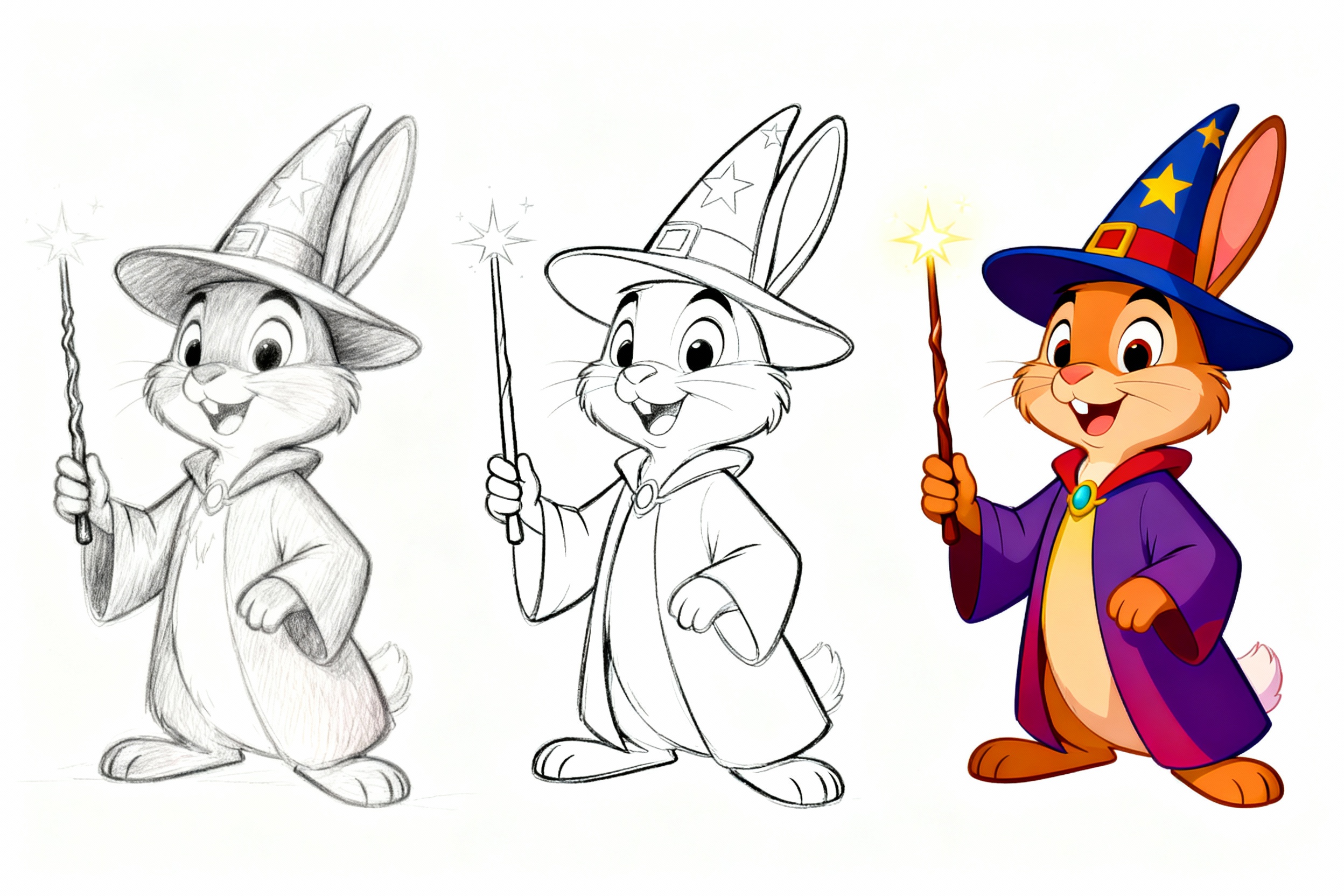
Use a single prompt to try different styles.
You can use a prompt to split the image into multiple parts, trying different style designs, or different stages of creation within the same style. For example: Disney-style wizard rabbit, left pencil sketch, center pencil line art (clear), right colored final illustration, pure white background, holding a magic wand.
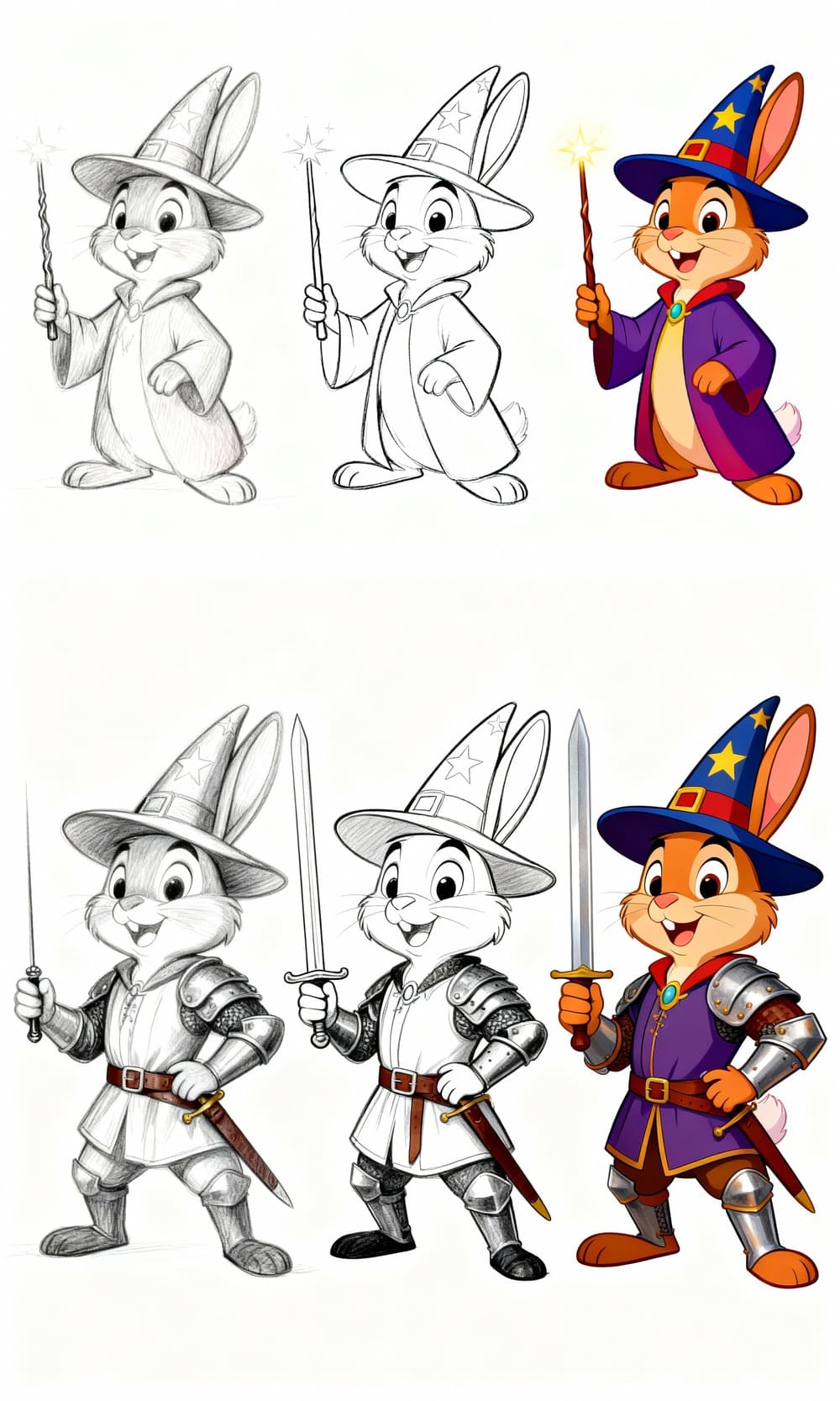
Iterative Character Refinement
Start with an initial AI-generated character and enhance it step by step. Adjust traits, customize details, and refine the cartoon style while keeping the design consistent. Repeating this process lets you gradually shape a fully personalized character that matches your exact creative vision.
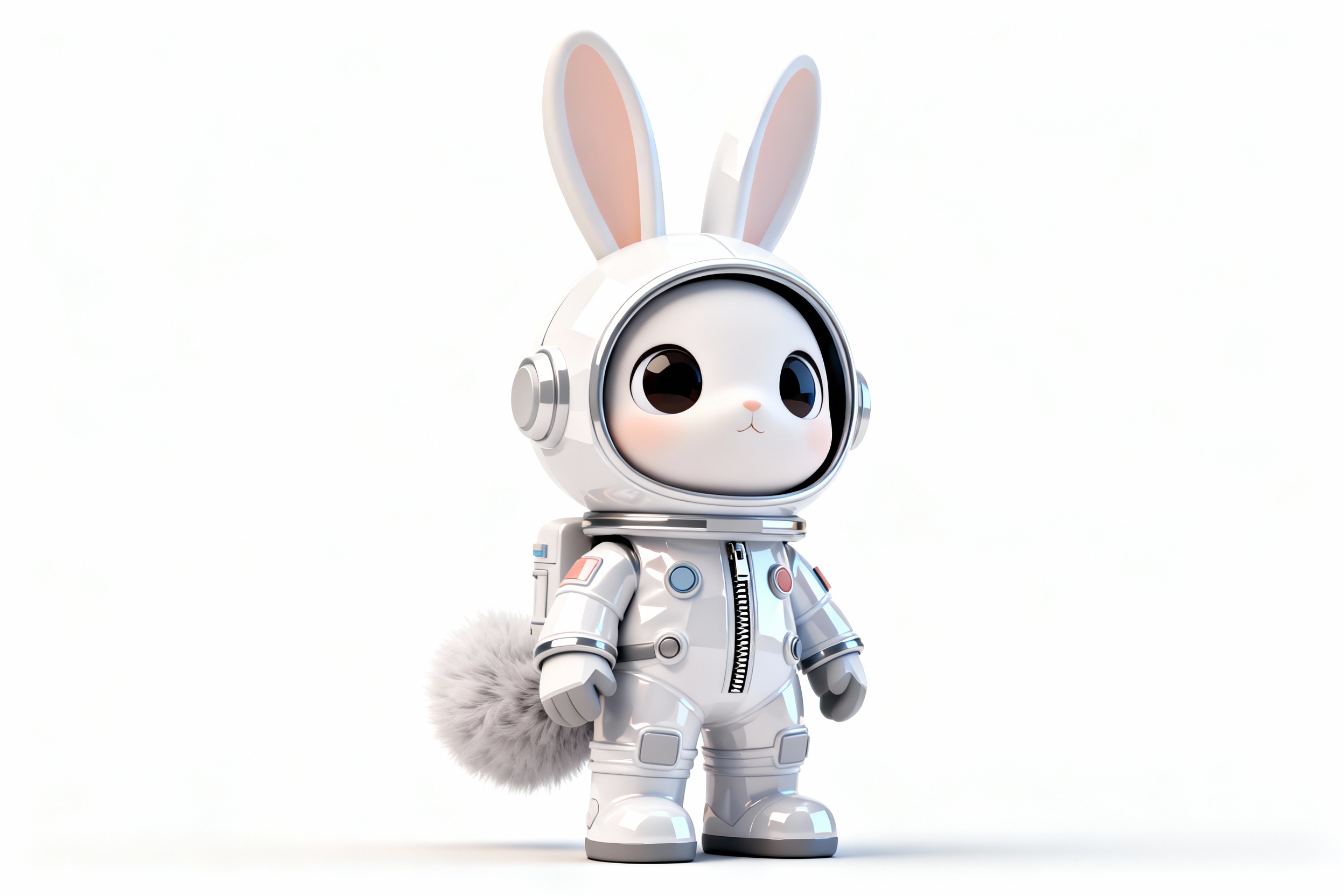
Multiple Cartoon Art Styles
Create characters in a wide variety of styles, from 3D animation and anime to chibi, comic, and minimalist illustration. Easily switch between styles to match your project’s aesthetic and explore new visual directions with a single prompt.
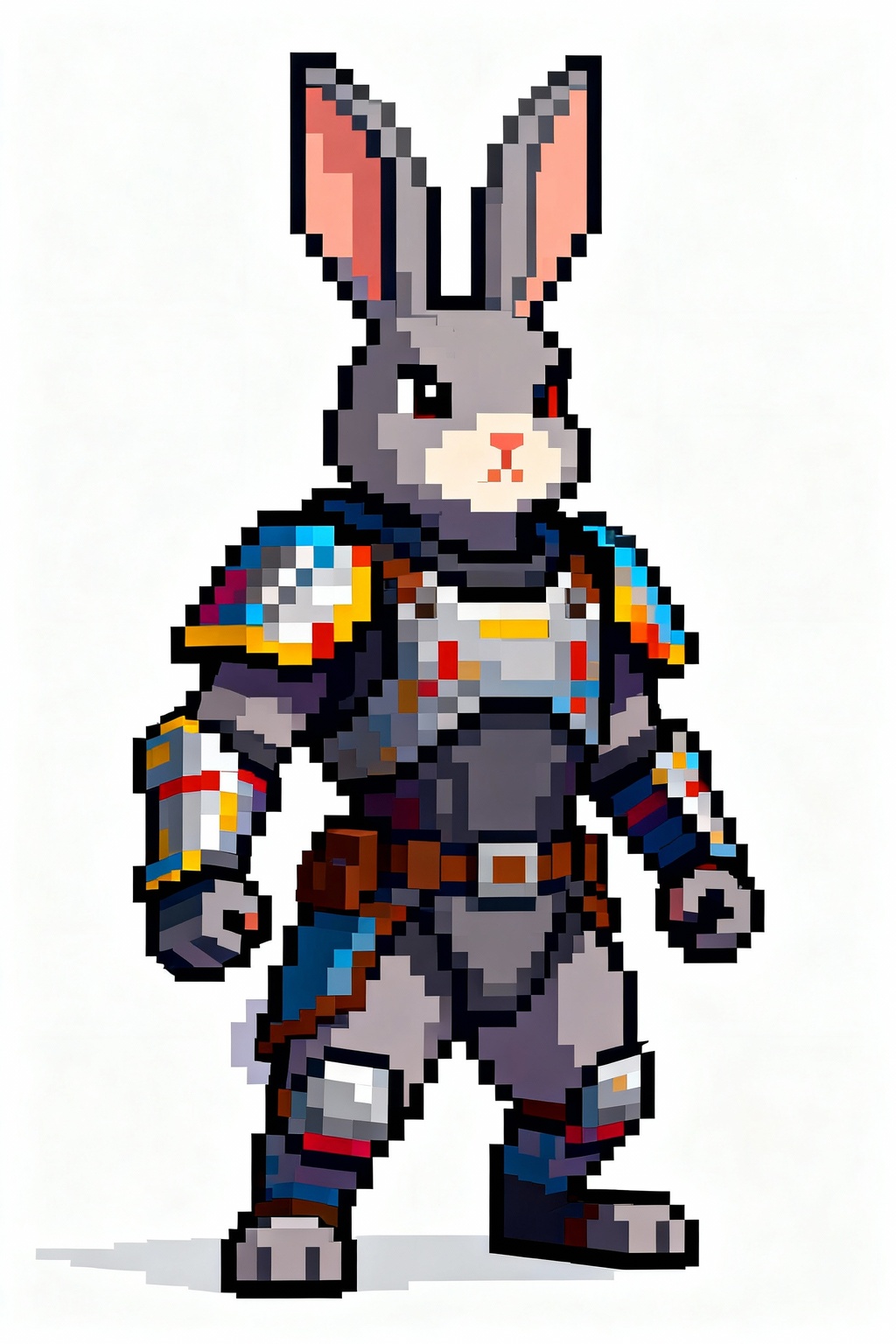
Instant Pixel Art Characters
Generate charming pixel-style characters with a single simple prompt. Whether you want retro 8-bit, 16-bit, or modern pixel aesthetics, the AI turns your description into a clean, detailed pixel-art design instantly—no drawing skills required.